


WordPress to Webflow migration, planned around your search traffic.
Moving from WordPress to Webflow is a URL project first and a design project second. We map every old URL to its new address, move and check every page by hand, and test every redirect before the switch. Your marketing team ends up with a site it can update without booking a developer.
30+ WordPress to Webflow migrations in the last 6 years back that process.
Trusted by +100 B2B companies:



























































Start with a map of every URL.
Before anyone builds, we map what your site has to do and what must not break, and for a migration that starts with the URLs.
- Technical audit. A review of the current site and the integrations it depends on.
- Content inventory. Every page and post listed, so you decide what moves, what merges, and what retires.
- Redirect map. Every old URL paired with its new address before the build starts.
- Sitemap architecture. A new structure planned around the pages that already earn traffic.
- Timeline and sign-off. Timeline planning and stakeholder alignment before the first page is built.
A typical migration takes 3 to 4 weeks for a site of about 20 pages, 6 to 8 weeks for a mid-size site with a blog, and 10 to 14 weeks for a large site.
The full method is in our guide to migrating from WordPress to Webflow.
 Technical audit
 Content inventory
 Sitemap architecture
Rebuild in Webflow with a component library.
Pages come out of a component system, so your team can assemble new layouts from pieces that already match instead of booking a developer.
- Your design translated into reusable components, variables, and design tokens.
- Standardized patterns for the page types you publish most.
- CMS architecture for posts, resources, and customer stories.
- Responsive layouts, interactions, and integrations built to your designs.
Hero Feature
 PricingVariablesDesign tokens







Every page moved by hand, every redirect tested.
Most rebuilds lose rankings during the migration step, so it gets the closest supervision in our process.
- Content migration. Every page moved and checked by hand.
- SEO verification. The new pages checked against the old ones.
- Redirect testing. Every redirect tested before the switch.
- Launch coordination. We are in the room while the site goes live.
- Post-launch monitoring. The site is monitored after the switch.
Plugins, forms, and integrations: what moves and what is replaced.
A WordPress plugin cannot run in Webflow. What a plugin did moves to a built-in Webflow setting, an integration, or custom code, unless that job is retired.
- SEO fields, sitemaps, and redirects have native settings in Webflow.
- Webflow forms store submissions and connect to tools such as HubSpot, Zapier, and Make.
- CRM, analytics, and marketing automation are connected during the build, when it is cheap, and not after launch.




 Built-in setting
 Integration
 Custom code
SEO and AI search readiness are part of the build.
We structure every site for both traditional search and AI-first discovery.
- Technical SEO. The technical basics search engines need to crawl and index the new site.
- Schema. Structured data that tells search engines and AI assistants what each page is.
- Semantic structure. Headings and page structure that people and machines can both follow.
- Answer engine optimization (AEO). Content that AI assistants can understand, cite, and recommend.

 Traditional searchStructured data
 Headings
 AI-first discoveryTechnical SEOSchemaSemantic structure
 AEO
AEOTraining, handoff, and support after launch.
Your marketers get live training, video walkthroughs, and documentation they will open, so running the site feels unremarkable.
- Live training and video tutorials.
- Documentation and a CMS guide.
- Ongoing website support when you want a team behind the site: weekly updates, technical SEO monitoring, and bug fixes.
- Growth for SEO and AI search work after the move.
A standard migration is a like-for-like move of your pages, CMS content, and redirects, and a redesign is scoped as its own project. We clean up the content as it moves, and support continues for 30 days after launch.
 Live training
 Video tutorialsDocumentationCMS guide
 Weekly updatesTechnical SEO monitoringBug fixes
From growing B2B
companies to large enterprises.
6+ years of experience and 100+ launches speak for themselves.
 (opens in a new tab)
 (opens in a new tab)
 (opens in a new tab)

 (opens in a new tab)

 (opens in a new tab)
 (opens in a new tab)


When staying on WordPress is the better call.
Not every WordPress site should move. Look hard at these cases before you commit:
- A very large content library. Compare your item counts with Webflow's current CMS limits first.
- An online store on WooCommerce. Confirm that Webflow's e-commerce features fit your catalog, checkout, and tax rules.
- Member-only content. Work out how logins and gated pages would work after the move.
- Plugins that carry custom logic. Decide what replaces each one before you commit.
- Complex multi-language setups. Confirm how language versions, URLs, and hreflang tags carry over.


If the site already works for your team and none of these cases fits, staying on WordPress is a fair answer. Webflow vs WordPress compares the two platforms.
Your website doesn't stop at launch.
A site your team can run on its own, and a growth program that keeps it bringing in pipeline long after launch.


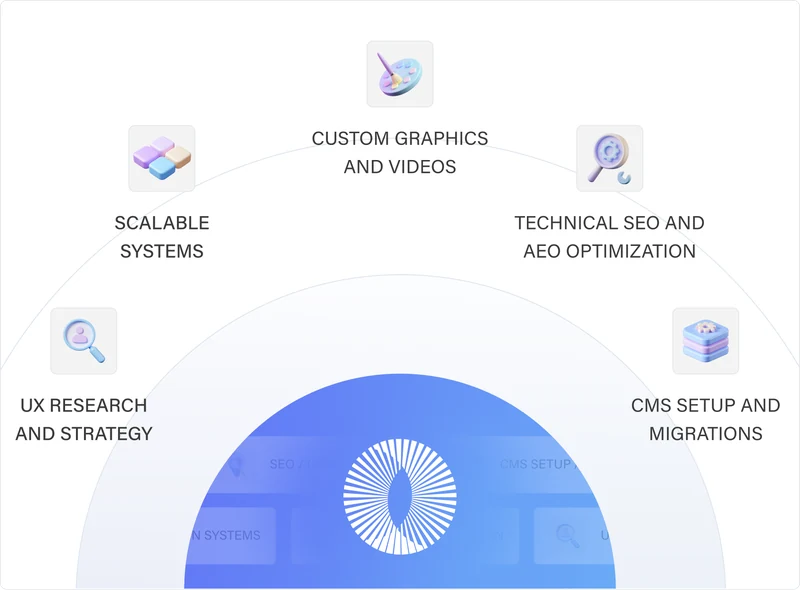
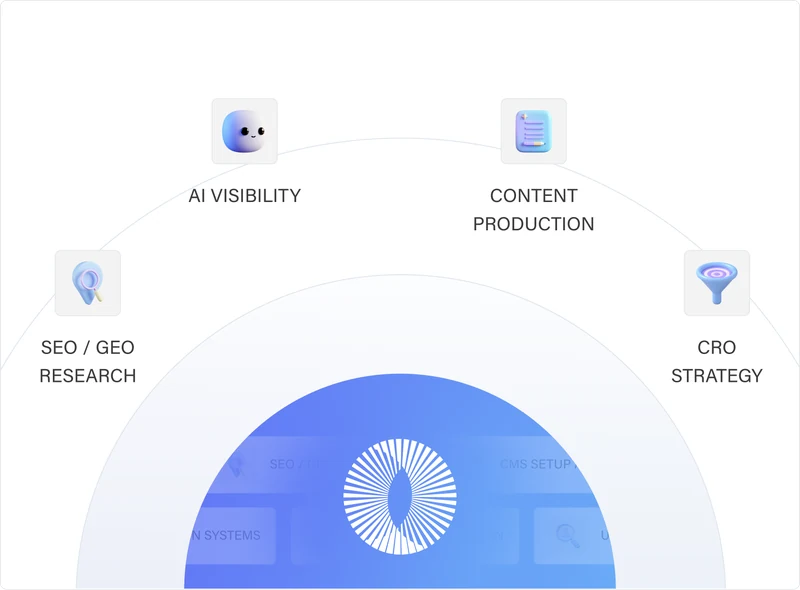
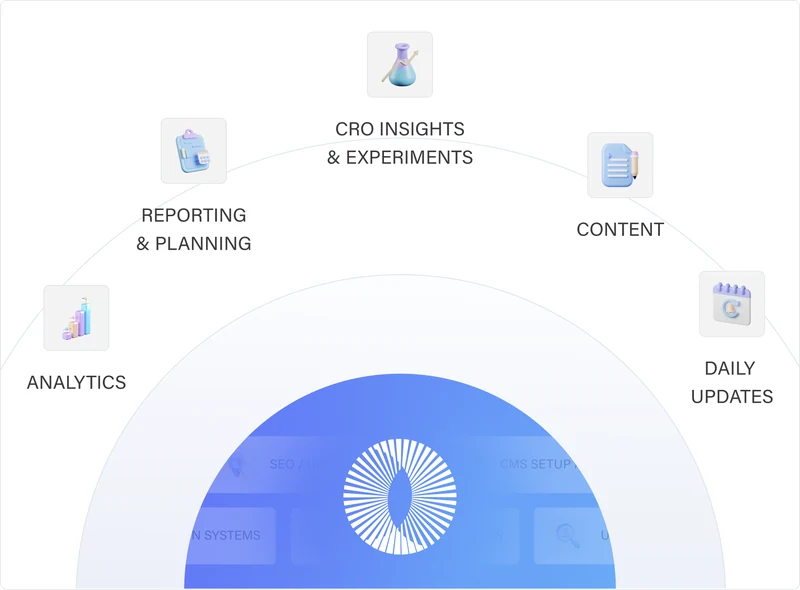
Custom Websites & Migrations
We work as an extension of your company’s marketing team to build scalable, high-converting, and SEO/AEO optimized websites using the right technologies for your business.
Learn MoreGrowth (SEO/GEO + CRO)
We drive traffic to your website through SEO and content strategy, then we convert those visitors into leads with the right CRO improvements.
Learn MoreOngoing Website Support
We provide the strategy, design, development, and support needed to keep it improving, without the cost and complexity of building an internal team.
Learn MoreTrusted by +100 companies




WordPress to Webflow migration FAQs.
Can I keep my WordPress URLs when I move to Webflow?
Sometimes. Static pages can keep their paths, but any URL that changes needs a 301 redirect to its new address. The redirect map we build before the build starts shows which URLs change.
Do I need 301 redirects when I migrate from WordPress to Webflow?
Yes, for every URL that changes. A 301 is a permanent redirect, which Google recommends for site moves. Webflow accepts redirects one at a time or in bulk from a CSV file.
Will my site go offline during the migration?
A planned migration does not need downtime. Your WordPress site can stay live while the Webflow site is built and tested on a staging copy, and the switch happens when the domain is pointed at the new site.
How long does a WordPress to Webflow migration take?
It depends on the number of templates, the volume of CMS content, the redirects to map, the integrations, and how many review rounds your team needs. The timeline is set in the website strategy plan, once the audit shows how much there is to move.
Will I lose my rankings when I migrate?
Rankings can move for a while after any migration, and Google says to expect temporary fluctuation. What costs rankings is an unplanned move, which is why every URL is mapped, every redirect is tested, and the site is monitored after launch.
Can you migrate my blog posts automatically?
Largely, yes. Webflow documents a route that exports WordPress content as XML, converts it to CSV, and imports it into a CMS Collection. Each imported post still needs a check for formatting, images, internal links, and SEO fields.
How much does a WordPress to Webflow migration cost?
It depends on the size and scope of the site: pages, templates, CMS content, integrations, and whether the design changes. The pricing page lists the Design + Development and One Off plans. Send the page count and the tools your site uses to get a number.
Do you migrate sites from other platforms?
Webflow's partner directory lists platform migrations among BenorMedia's services. The method is the same for any move: map the URLs, move the content, redirect what changes, test, launch, and monitor. Tell us which platform your site runs on.