


Headless CMS agency for B2B SaaS: custom-coded sites your marketing team can still run.
We design and build custom-coded websites on a headless CMS, in Next.js, Astro or the framework your team already uses, for B2B SaaS teams whose site has outgrown its website builder. Marketers keep a visual editor with live preview, and engineers get a Git repository they can review and deploy like the product. Coding agents have made custom code cheaper to change, but a headless site still needs an owner, so we start by checking it's worth it. Moving from Webflow or WordPress? We plan the move around your search traffic.
Webflow Professional Partner for 6+ years, so we recommend Webflow when it's enough. Our own site runs on Astro and Sanity.
Trusted by +100 B2B companies:





























































How a headless CMS works, in plain terms.
A headless CMS separates content from design. It's a content management system that stores your content and delivers it through an API, without deciding how pages look. A traditional CMS such as WordPress, or a platform like Webflow, keeps content and design in one system. In a headless architecture, your pages are a separate front end, built in a framework such as Next.js or Astro, that requests the content and renders it. That's what headless web development means: we build both halves and the connection between them, so either can change without rebuilding the other.
- The CMS. Where your content team writes, edits and publishes structured content. We work with any headless CMS, including common ones such as Contentful, Strapi, Sanity, Storyblok and Payload.
- The front end. The pages your visitors see, written in Next.js, Astro, Nuxt, SvelteKit or another framework. It asks the CMS for content and turns it into HTML.
- Content delivery. Pages built ahead of time with static site generation and served from a content delivery network (CDN), or rendered on the server per request when they need fresh data. Forms and other dynamic features run as server functions, and search runs on a hosted service or inside the site.
- The repository. All code in Git, every change reviewed, every version a rollback away.
Because the content lives apart from the pages, the same content can feed your website, docs, product and mobile apps.
 Headless CMS
 Content API
 Next.js or Astro front end
 CDN
CDN CRM
CRM Analytics
 Product data
When a headless build is worth it.
Most of the B2B sites we build are in Webflow, because marketing teams can run them without developers. We recommend a headless build when two or more of these are true. One on its own can usually be handled inside Webflow.
- Pages come from product data. Hundreds of pages for integrations, templates or use cases, generated from the systems that already hold that data instead of copied into a CMS by hand.
- The site needs web app features across many pages. Logins, personalization or pricing logic that reads your product's data on the server side.
- Engineers want ownership. The site lives in a repository next to the product, with the pull requests, preview builds and tests your development team already uses.
- You've hit platform limits. CMS item caps, fixed URL patterns, many locales or a plan bill that keeps growing.
- You want to build with coding agents. Agents tend to do better in a typed, conventional codebase, and their code changes still go through review before they ship.
If none of these fit, a well-built Webflow site is usually cheaper to run. Our guide to Webflow vs custom code walks through the decision, including the middle paths.
Product data App featuresEngineering workflowPlatform limitsCoding agents

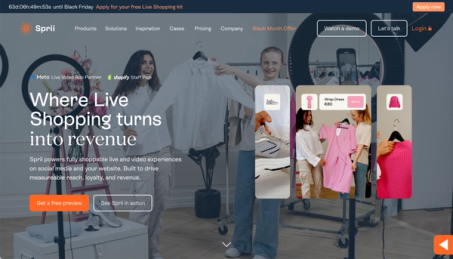
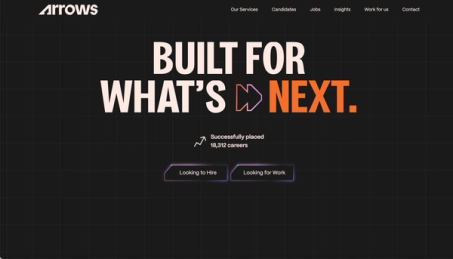
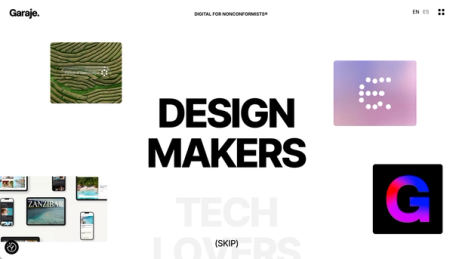
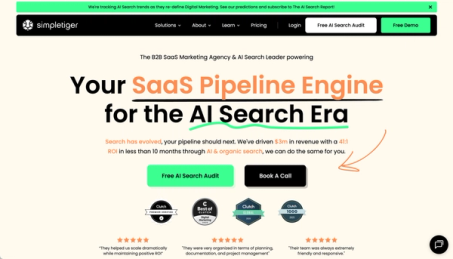





How we build a headless site.
Our headless CMS development follows the same build process as our Webflow projects, from the website strategy plan to training and handoff. These are the steps that work differently when the site is custom-coded.
- 1. Strategy plan and content models. Every page type, its fields and how content links together, mapped before design starts, along with the URL plan and the choice of CMS and framework.
- 2. Component library. A design system in code, with each component matched to a CMS block, so editors build pages from approved sections instead of free-form layouts.
- 3. Development. The framework that fits, usually Next.js or Astro, in TypeScript, with a preview build for every change and custom API integrations with your CRM, analytics and product data.
- 4. Content migration. Scripts move content from Webflow CSV exports, the Webflow or WordPress APIs, or spreadsheets. Then we check every page by hand and move images and files to the new host. Because the CMS is separate, your editors can start working in it while the front end is still being built.
- 5. SEO, AEO and QA. Metadata, canonicals, sitemaps, structured data and redirects built into the templates, then testing, including a staging crawl checked against the live site before launch.
- 6. Training and handoff. Editor training, written documentation, and the repository and every account in your name.
Moving from Webflow or WordPress to headless.
Leaving Webflow, WordPress or a legacy CMS? A headless CMS migration is mostly about the jobs the old platform did without anyone noticing. We list them first and decide what replaces each one before the build starts.
- URLs and rankings. We keep every URL we can. Where one has to change, it gets a 301 redirect, kept as long as possible and generally at least a year, as Google advises.
- Forms. Form plugins and Webflow's form handling don't come with you. We route every form to your CRM or a form backend and test each submission path.
- Search and languages. Site search and language versions are rebuilt in code, with hreflang tags for each locale.
- Editing. Your team gets visual editing in the CMS, such as Sanity's Presentation tool or Storyblok's Visual Editor, and pages built from approved sections. We design this part with the people who will use it every day.
Webflow's own code export leaves out CMS content, working forms and secondary languages, so we treat it as a reference. The guide lists what it includes.
SEO, AEO and speed are part of the build.
A custom-coded site has no SEO settings until someone builds them, so we build them into every template before the first page goes in.
- Server-rendered HTML. Content arrives in the HTML through server-side rendering or static site generation, not through client-side rendering alone. That way AI crawlers that don't run JavaScript still see the whole page.
- Metadata in the CMS. Titles, descriptions, Open Graph images and canonicals as fields with sensible defaults, so editors can change them without a developer.
- Structured data from content. Organization, Article and SoftwareApplication markup generated from CMS fields, then checked in Google's Rich Results Test and the Schema Markup Validator.
- Performance optimization. A speed budget for images, fonts, scripts and other static assets, with lab tests for the Core Web Vitals on every build to catch slowdowns before they ship.
If you also want help getting cited in AI answers, our AEO and GEO service picks up from there.
Handoff, updates and support after launch.
You own the result: the code, the CMS project, the hosting account and the domain. What a coded site needs after launch is regular upkeep.
- Editor training. Live sessions and short written guides for each page type and block.
- Documentation. How the site is built, how to add a page type and how to deploy, kept in the repository.
- Security and dependency updates. Frameworks need patching. After the critical React Server Components flaw of December 2025, affected Next.js sites had to upgrade immediately. We watch the advisories and apply security and dependency updates as part of ongoing support.
- Ongoing support. New pages, changes and fixes through ongoing website support.
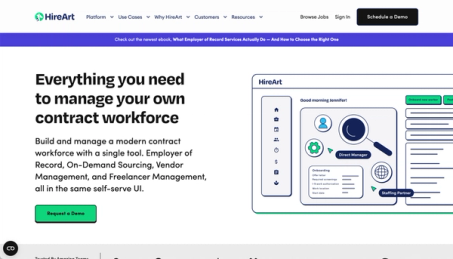
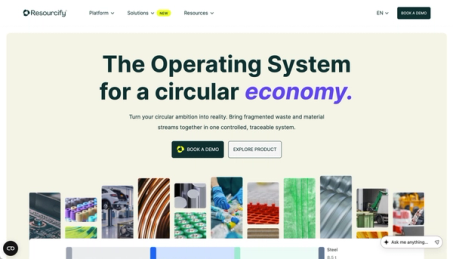
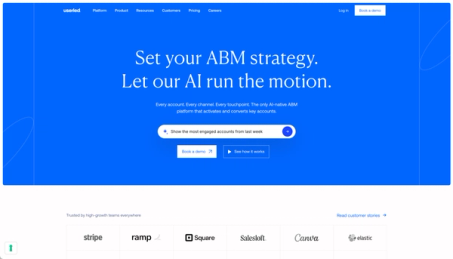
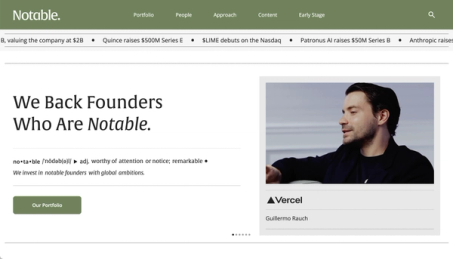
B2B SaaS sites we've launched.
6+ years of experience and 100+ launches speak for themselves.
 (opens in a new tab)
 (opens in a new tab)
 (opens in a new tab)
 (opens in a new tab)

 (opens in a new tab)
 (opens in a new tab)


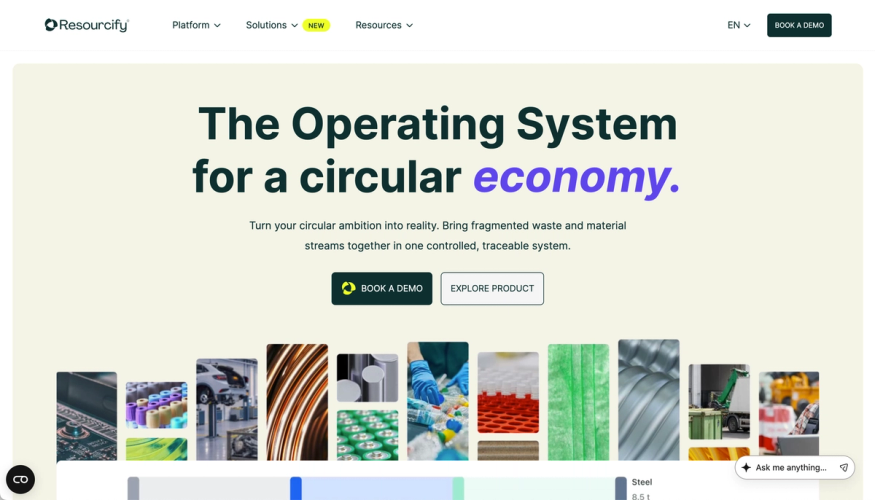
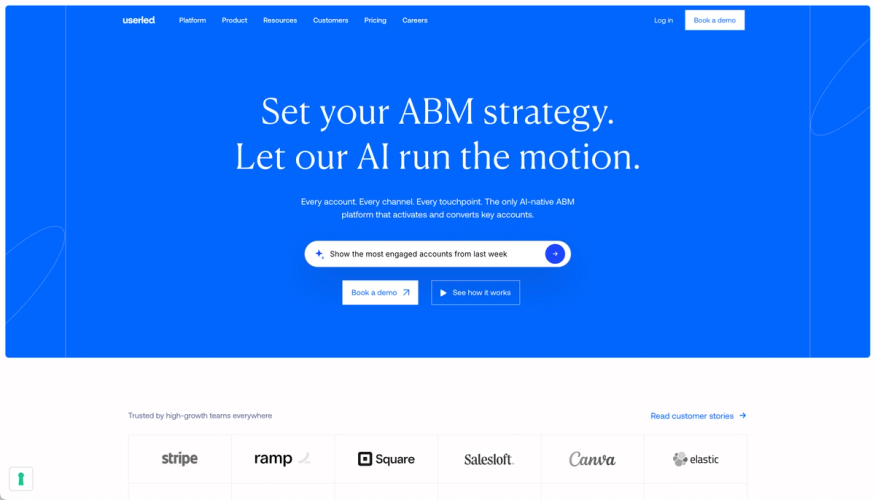
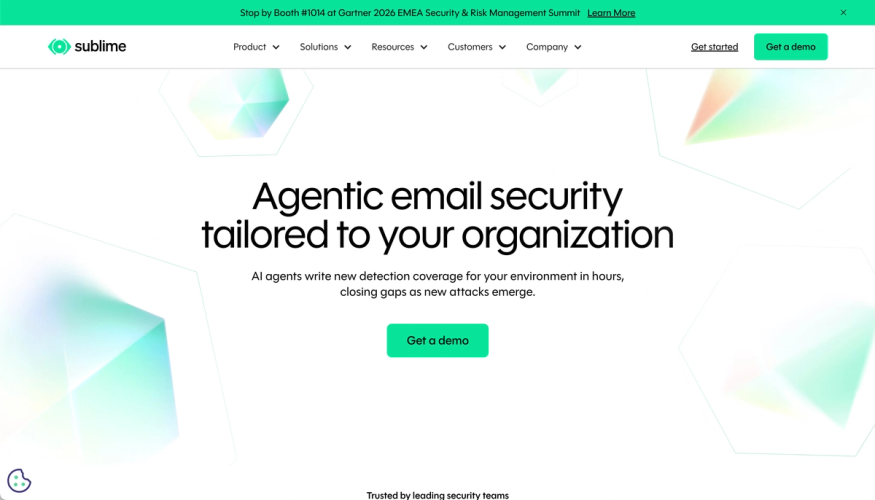
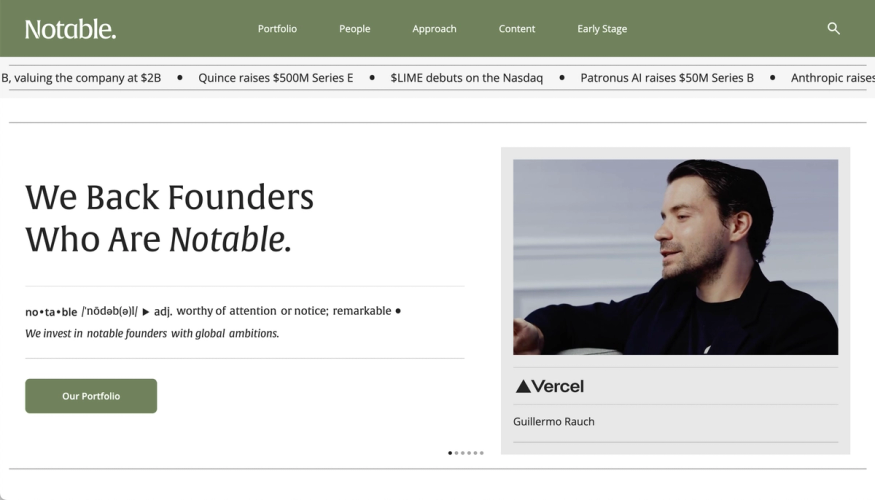
When you don't need a headless CMS.
A headless architecture usually costs more to run than a Webflow site, and we'd rather say so before you start. Skip it if one of these fits.
- There's no one to maintain it. A coded site needs someone to update packages and apply security fixes. If that's no one, and you don't want an agency on call, stay on a managed platform.
- Your marketers design new layouts often. The Webflow Designer gives them more layout freedom than the headless editors we build with.
- You need one feature, not a new stack. A Webflow Cloud app or a React code component adds it to the site you already have.

In those cases we'll recommend Webflow and build it there, through Webflow migration or Webflow Enterprise. Our guide covers the other reasons to stay.
Your website doesn't stop at launch.
A site your team can run on its own, and a growth program that keeps it bringing in pipeline long after launch.












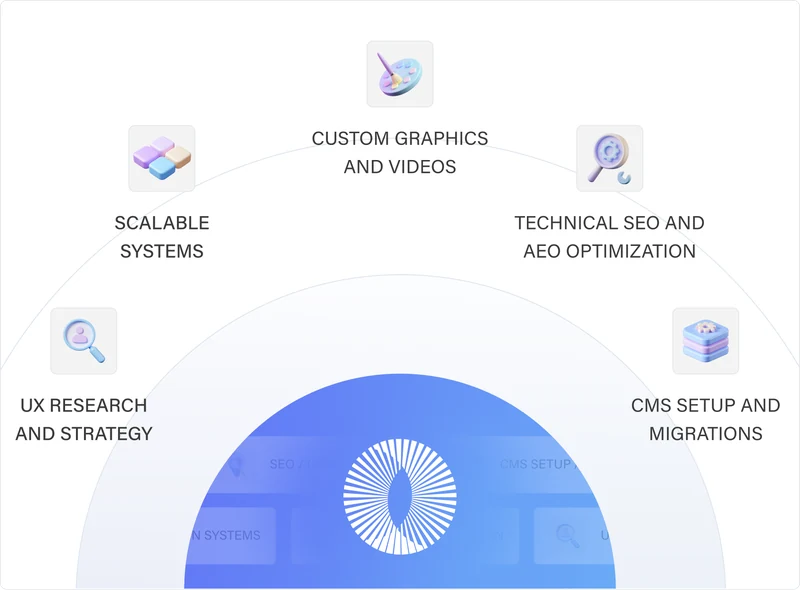
Custom Websites & Migrations
We work as an extension of your company’s marketing team to build scalable, high-converting, and SEO/AEO optimized websites using the right technologies for your business.
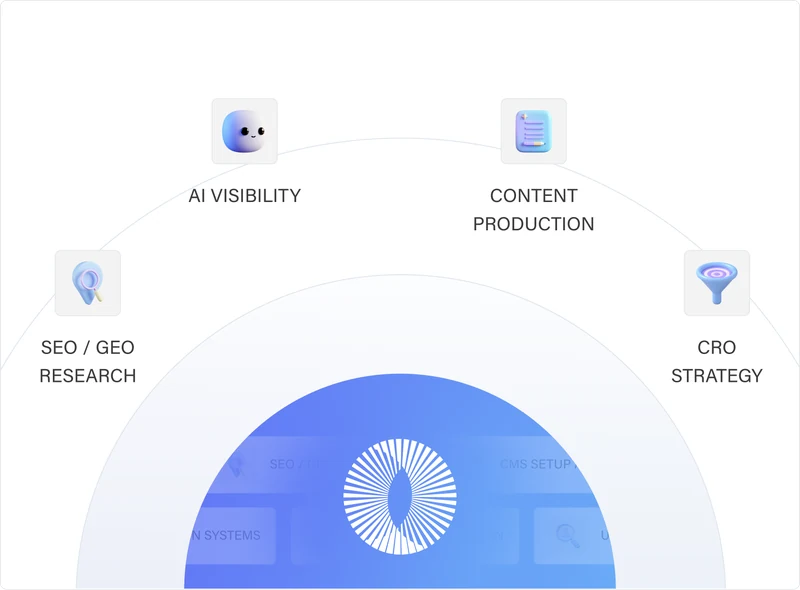
Learn MoreGrowth (SEO/GEO + CRO)
We drive traffic to your website through SEO and content strategy, then we convert those visitors into leads with the right CRO improvements.
Learn MoreOngoing Website Support
We provide the strategy, design, development, and support needed to keep it improving, without the cost and complexity of building an internal team.
Learn MoreTrusted by +100 companies




Headless CMS agency FAQs.
What is a headless CMS?
A content management system that stores content and delivers it through an API, without controlling the presentation layer. Your website's front end, built in code, requests the content and renders the pages, and the same content can feed docs, mobile apps or other channels. Contentful, Strapi, Sanity, Storyblok and Payload are common headless CMS platforms.
What's the difference between a headless CMS and a traditional CMS?
A traditional CMS, such as WordPress, stores content and renders the pages in one system, usually with themes and plugins. A headless CMS only handles content management, and a separate presentation layer, your front end, builds the pages. Your developers choose the framework and control performance and design, but you build things a traditional CMS includes, such as SEO fields. You'll also see the term decoupled CMS, which usually means a CMS that keeps its own front end but can also deliver content through an API.
What does a headless CMS agency do?
It plans the content model, builds the front end, connects the two, migrates your content and trains your editors. A good one also tells you when you don't need headless at all. We build in Webflow as well, so we don't need to sell you either option.
How do we choose a headless CMS agency?
Ask how they'd model your content and how your editors would work in it day to day. Ask who builds and reviews the code, how they move content and redirects, and who patches the site after launch. Ask for a live site they built that you can test. Then ask what they'd recommend if you didn't move at all.
Which headless CMS should we choose?
There's no single best headless CMS, and we work with all the common ones. We start with the people who'll use it: how often they publish, whether they build new pages or fill templates, how many languages they work in, and what the content has to connect to. Then we compare the editing experience, hosting and pricing of two or three candidates and recommend one in the strategy plan. Our guide compares the common options.
Do you build in Next.js, Astro or other frameworks?
Any framework your team prefers. For most marketing sites we suggest Astro, because it sends no JavaScript unless a component needs it, and it's what our own site runs on. Next.js fits sites that behave more like a web application, with logged-in areas or a lot of server logic. We also build in Nuxt or SvelteKit when your engineers already work in Vue or Svelte. All of them support server-side rendering and static site generation, so the content is in the HTML for search engines and AI crawlers.
Can our marketing team edit pages without developers?
Yes, within the blocks we build. Content teams manage content on their own: they create and publish pages, change copy, images and metadata, and preview the result before it goes live. New layouts and new block types need a developer, which is the main difference from Webflow's Designer.
Can you migrate our Webflow site to Next.js without losing traffic?
We plan the move to protect it: we benchmark every URL, keep URLs where we can, redirect the rest, rebuild metadata and structured data in the templates, and test the staging site against the live one before launch. No one can guarantee rankings through a move, and Google says rankings may fluctuate for a while. Our guide lists the eight steps we follow.
Can we keep Webflow as our CMS and build the front end in code?
Yes. We can build a coded front end on top of your Webflow CMS, so editors keep working where they are. Our Webflow vs custom code guide covers the limits. If most new work is moving to code, a headless CMS built for the job is usually the better long-term choice.
What are the benefits of a headless CMS?
Content reuse across multiple channels, because one source of structured content can feed your website, docs and product, or multiple websites at once. Frontend flexibility, because developers choose the framework. Speed and scale, because pages can be built ahead of time and served from a CDN, which absorbs traffic spikes and leaves less to attack. And an engineering workflow with code review and previews. They only pay off if someone owns the code.
What are the downsides of a headless CMS?
More moving parts. In a headless architecture you run hosting, a CMS and a front end, and someone has to keep the framework patched. Editors get less layout freedom than in a visual builder or a traditional CMS, and features a platform includes, such as form handling, previews and redirects, have to be built. For a small marketing site, it rarely pays to use a headless CMS.
How much does headless CMS development cost, and how long does it take?
We quote a fixed price for each build, based on the number of pages and how complex they are: the templates, the content model, the integrations and the languages. A page built from an existing template costs less than a one-off layout. We set the project timeline in the strategy plan, once the content model and the URL map are done. Ongoing changes, support and security updates run through ongoing website support.
Who hosts the site and handles security updates?
You choose the host, often Vercel, Netlify or Cloudflare, and the account is in your name. We set it up, and through ongoing support we keep the framework and its dependencies patched. If you have your own development team, we hand the repository to them with documentation instead.