


Webflow SEO and AEO for B2B teams, measured in pipeline.
A Webflow SEO agency should fix what the platform leaves to you, then build what helps your pages rank and get quoted. Our Webflow SEO services for B2B and SaaS teams cover the technical setup, the pages your buyers search for, and how often Google, ChatGPT and Perplexity send people to you.
6+ years as a Webflow Professional Partner, and 100+ launches.
Trusted by +100 B2B companies:





























































Start with a Webflow SEO audit, not a keyword list.
Rankings on a Webflow site often stall for reasons no keyword research will fix: a staging domain in Google's index, CMS pages competing with each other, or content that only appears after a script runs. Our SEO process starts with an audit that finds those first, along with any technical debt from the original build. It also sets the baseline every later report is measured against.
- Index, crawl and on-page check. Staging indexing, robots.txt rules, sitemap coverage, canonical tags, and the titles, meta descriptions and headings on every template.
- CMS architecture review. The content models in your Webflow CMS: CMS Collections, fields, slugs, templates and the internal linking between them.
- Performance. Page speed and Core Web Vitals from real-user data, image formats, and the scripts that slow pages down.
- Search baseline. Twelve months of Search Console and analytics data by page and query, plus current keyword rankings for your priority terms.
- AI visibility baseline. How often ChatGPT, Perplexity, Gemini, Claude and Google's AI answers mention you for a fixed set of buyer prompts.
 Index & crawl
 CMS architecture
 Performance
 Search baseline
 AI visibility baseline
The Webflow SEO problems we fix most often.
Webflow handles a lot of SEO well out of the box: clean markup, an auto-generated sitemap, 301 redirects, per-page meta fields and native schema. These are the gaps we still find on most sites, checked against Webflow's own documentation as of October 2026.
- The staging site is indexed. The webflow.io copy of your site can compete with the real one unless Staging indexing is switched off in site settings.
- CMS content crawlers can't see. Collection lists show 100 items by default, and scripts that load the rest in the browser can hide them from crawlers. Webflow itself advises rendering important content on the server, because most AI crawlers don't run JavaScript yet.
- Duplicate content across CMS pages. Canonical tags come from one global setting, and Webflow documents per-page overrides for static pages only. Overlapping Collection items need a content fix, not a tag.
- URL structures that can't change later. CMS items live at /collection/item, optionally inside a parent folder. Category-style paths have to be planned when the Collections are designed.
- Redirect imports that wipe old rules. A CSV import replaces every existing redirect in Webflow, so we merge the old list into the new file before importing.
- Heavy images in blog posts. Webflow creates responsive image sizes for most uploads, but not for images in rich text, background images or files imported by CSV or API. That's where article pages slow down.
- Schema gaps. Webflow's native schema field can pull from CMS fields, but not from reference, multi-reference or multi-image fields, so some markup still needs custom code.
 Staging indexingCMS content
 CanonicalsRedirect importsSchema gaps







A content strategy built on what B2B buyers search and ask.
We build the SEO strategy from your sales conversations and search data, not from a generic keyword export. The result is a topic map tied to the pages that can bring in demos, with each page planned to match search intent.
- Commercial pages first. Feature pages, use cases, industries, integrations, comparisons and alternatives: the pages buyers read right before they shortlist.
- Answers up front. Each page opens with a direct answer, then the detail, tables and FAQs that search engines and AI assistants can quote.
- Evidence only you have. Customer numbers, benchmarks and product data. In the research that named GEO, adding statistics, quotations and cited sources raised visibility in AI answers by up to 40%, while keyword stuffing didn't help.
- CMS templates for repeatable pages. Programmatic SEO done carefully: where a page type repeats, such as integrations, one template with real data behind every item instead of thin copies.
- Refreshes before new posts. Updating pages that already rank, with the date and the change visible, often beats publishing something new.
AEO and AI search on Webflow: what helps and what doesn't.
More buyers now research in AI tools as well as on Google. Answer engine optimization on Webflow is mostly good SEO done thoroughly on a sound technical foundation, plus a few platform settings. Google's guidance is that its AI features need nothing beyond what regular Search needs: a page that's indexed and eligible for a snippet. So we don't sell shortcuts.
- Structured data that matches the page. Webflow's native schema field, added in October 2025, with CMS bindings for organization, FAQ, article and product markup. Google says structured data isn't required for generative AI search, but it still helps search engines understand a page, so we keep it accurate.
- Crawler access. robots.txt rules that let search crawlers such as OAI-SearchBot, PerplexityBot and Claude-SearchBot in, whatever you decide about training crawlers such as GPTBot.
- llms.txt, with honest expectations. Webflow lets you upload an llms.txt file and we add one. Google says Search ignores it and Webflow's own blog says it isn't effective yet, so it's housekeeping, not strategy.
- Webflow AEO. On Team and Enterprise plans with the Analyze add-on, Webflow AEO reports prompt insights, AI crawler logs and AI-referred visitors. We use it where you have it, alongside our own prompt tracking.
- Bing and Copilot. Bing Webmaster Tools now reports how often Copilot and Bing's AI summaries cite your pages, and IndexNow tells Bing about new pages as soon as you publish.
For the full program across ChatGPT, Perplexity, Gemini and Google, see our AEO and GEO service.


 Built-in setting
 IntegrationCustom code
Authority that moves rankings and AI answers.
Links still matter for Google, and mentions matter for AI answers, which lean on third-party pages. When Ahrefs classified the pages ChatGPT cited across 750 prompts, 43.8% were "best of" lists.
- Lists and roundups. Getting your company in front of the editors of the comparison pages AI assistants already cite in your category.
- Partner and integration listings. Profiles in your partners' directories and marketplaces, which buyers and crawlers both use.
- Digital PR from your own data. Short studies built from product or customer data that journalists and bloggers can reference.
- Reviews and communities. Review profiles and genuine participation where your buyers talk. No fake accounts and no paid posts.

 RoundupsIntegration listingsYour own data
 Communities
 Lists
Lists Partners
 Digital PR
 Reviews
Reporting you can take to a pipeline meeting.
Monthly reports lead with pipeline, the number sales and finance care about. Then they show the SEO performance behind it: organic traffic, rankings and AI visibility.
- Pipeline from search and AI. Demo requests and sign-ups from organic search and AI referrals. ChatGPT tags its links with utm_source=chatgpt.com, so those visits are easy to separate. When visits grow but demos don't, the fix is CRO on those pages, which Growth includes.
- Search Console. Clicks, impressions and positions for the pages in the plan, plus the AI feature reports Google added in 2026.
- AI visibility. Mention rate across the tracked prompts by platform, and the citations Bing Webmaster Tools reports.
- Next quarter's roadmap. What ships next and why, reviewed with you every quarter.
 PipelineSearch ConsoleAI visibility
 RoadmapOrganic trafficRankingsAI visibility
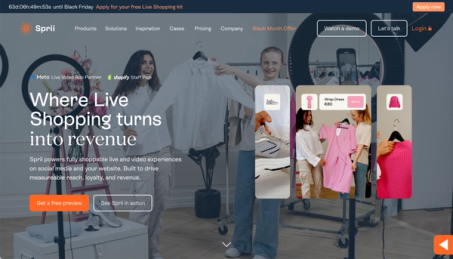
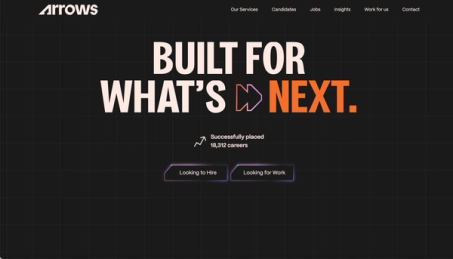
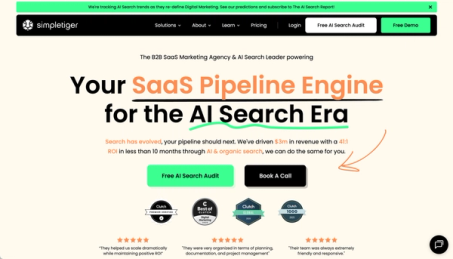
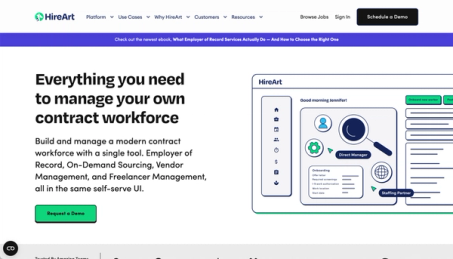
Webflow sites on our work page.
6+ years of experience and 100+ launches speak for themselves.

 (opens in a new tab)

 (opens in a new tab)

 (opens in a new tab)

 (opens in a new tab)

 (opens in a new tab)

 (opens in a new tab)


When you don't need a Webflow SEO agency.
Not every Webflow site needs a Webflow SEO company on retainer. Skip it, or wait, if one of these fits.
- You're about to redesign or change platform. Do the redesign or migration first, then start the SEO work on the new structure.
- Your site is a brochure for referrals. If buyers find you through your network, search visibility matters less and a clean technical setup is enough.
- You need leads in the next 30 days. SEO takes months. Paid search landing pages or outbound will get there sooner.
- You already have an SEO lead in-house. You may only need Webflow design and development capacity, which the Design + Development plan covers.
- You can't publish proof. Without case studies, numbers or named customers, content struggles to rank or get cited.

Your website doesn't stop at launch.
A site your team can run on its own, and a growth program that keeps it bringing in pipeline long after launch.



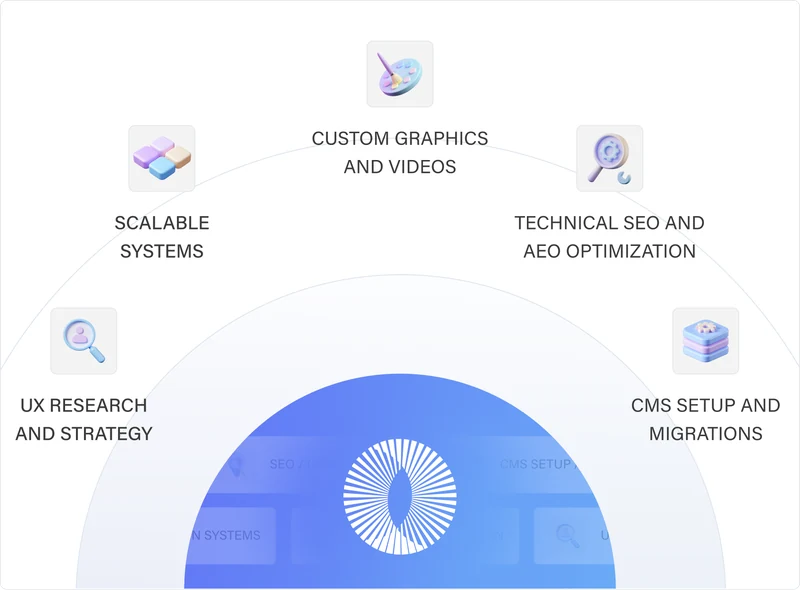
Custom Websites & Migrations
We work as an extension of your company’s marketing team to build scalable, high-converting, and SEO/AEO optimized websites using the right technologies for your business.
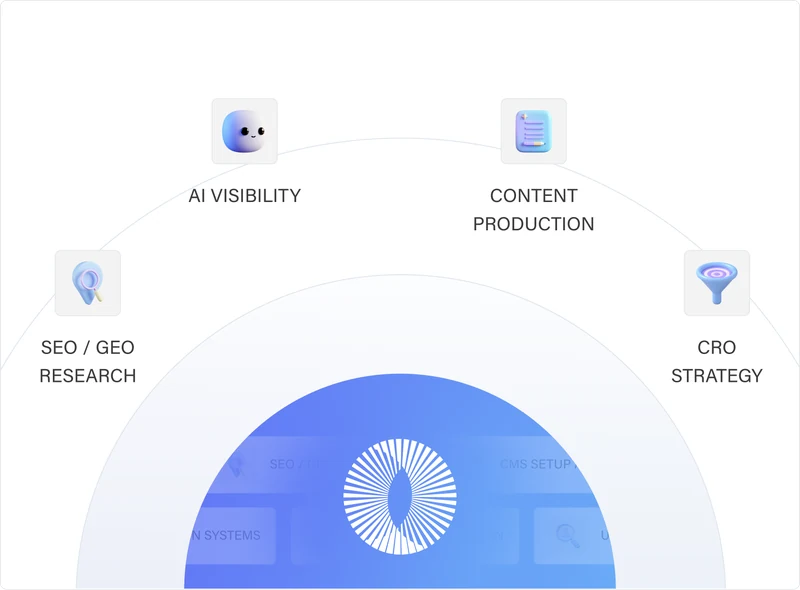
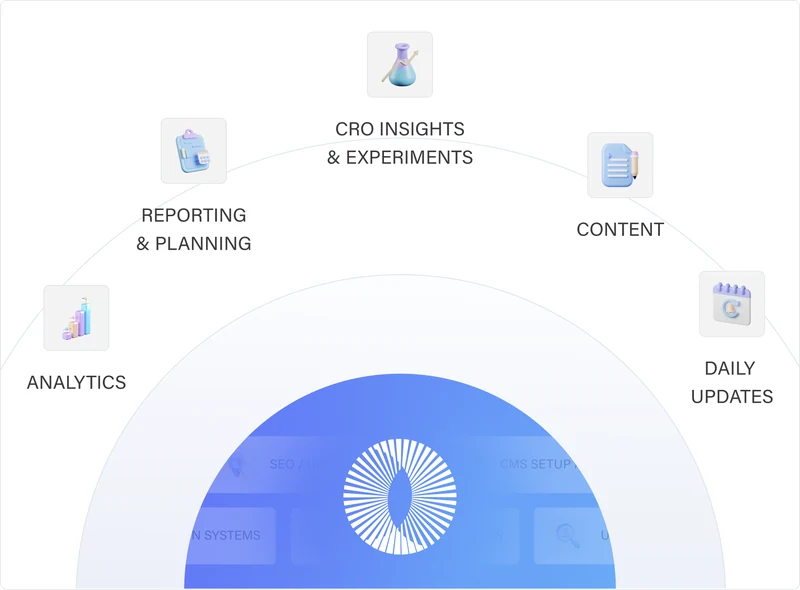
Learn MoreGrowth (SEO/GEO + CRO)
We drive traffic to your website through SEO and content strategy, then we convert those visitors into leads with the right CRO improvements.
Learn MoreOngoing Website Support
We provide the strategy, design, development, and support needed to keep it improving, without the cost and complexity of building an internal team.
Learn MoreTrusted by +100 companies




Webflow SEO agency FAQs.
Is Webflow good for SEO?
Yes, for most B2B and SaaS companies. The SEO controls are built in rather than added with plugins. Webflow outputs clean HTML, generates sitemaps, handles 301 redirects, per-page meta fields, native schema and hreflang for localized sites, and serves pages through Cloudflare's CDN. The limits show up on CMS-heavy sites: 100 items per Collection list by default, fixed /collection/item URLs, and coarser canonical control than WordPress plugins give you.
How long does Webflow SEO take to show results?
Technical fixes can show up in Search Console within weeks of being crawled. New pages on a young domain usually need several months to rank for competitive terms, and AI answers change on their own schedule. We report every month from the first one, so you can see what's moving and what isn't.
How much does a Webflow SEO agency cost?
Most charge a monthly retainer. Ours is the Growth (SEO/GEO + CRO) plan, billed monthly and cancellable anytime; the pricing page shows the price and what's included. Audits, migrations and redesigns are scoped separately.
Do we need a Webflow SEO expert, or will a general SEO agency do?
A general SEO agency can handle keyword research and content. Platform knowledge matters for the technical half: how Collections generate URLs, where canonical tags come from, and what Webflow can't do without custom code. A Webflow SEO expert fixes those in the right place without breaking the Webflow build. A Webflow agency without SEO experience has the opposite gap: good builds, but no plan for content or links.
How do we choose the right Webflow SEO agency?
Lists of top Webflow SEO agencies are a fair place to start. Then use the questions from Google's guide to hiring an SEO. Ask for examples of previous work, what results to expect and in what timeframe, and how they measure success. Ask, too, whether they'll share every change they make and the reasoning behind it. For Webflow, add two questions of your own: how they'd structure your CMS Collections, and how they tie SEO results to business outcomes such as pipeline. The best Webflow SEO agency for you can answer all of them for a site like yours.
What's the difference between SEO and AEO?
SEO earns rankings and clicks on search results pages. AEO, answer engine optimization, earns mentions and citations inside AI answers from ChatGPT, Perplexity, Gemini and Google's AI Overviews. They share most of the work, so we run them as one program.
Do we need Webflow Enterprise for AEO?
No. Most AEO work is content, structure and authority, and it works on any plan. Webflow's own AEO tools need a Team or Enterprise plan, and its AEO analytics also need the Analyze add-on. We track AI visibility independently, whatever plan you're on.
Will you need access to our Webflow site?
Yes, as a collaborator on your workspace or site, so we can change settings, SEO fields and CMS items. Nothing is published without the review step we agree on at the start.
Can you work with our in-house team or another agency?
Yes. We can run SEO and AEO while your team writes, or handle technical SEO and Webflow development while your content agency keeps writing.
Do you guarantee rankings or AI mentions?
No. Google's own hiring guide says no one can guarantee a #1 ranking on Google, and the same is true of AI answers. We commit to the work, the reporting and a clear reason for every recommendation.
Do you write the content?
Yes, content creation is part of the Growth plan. Your experts review each piece before it goes live, because the details only your team knows are what make content rank and get cited.